
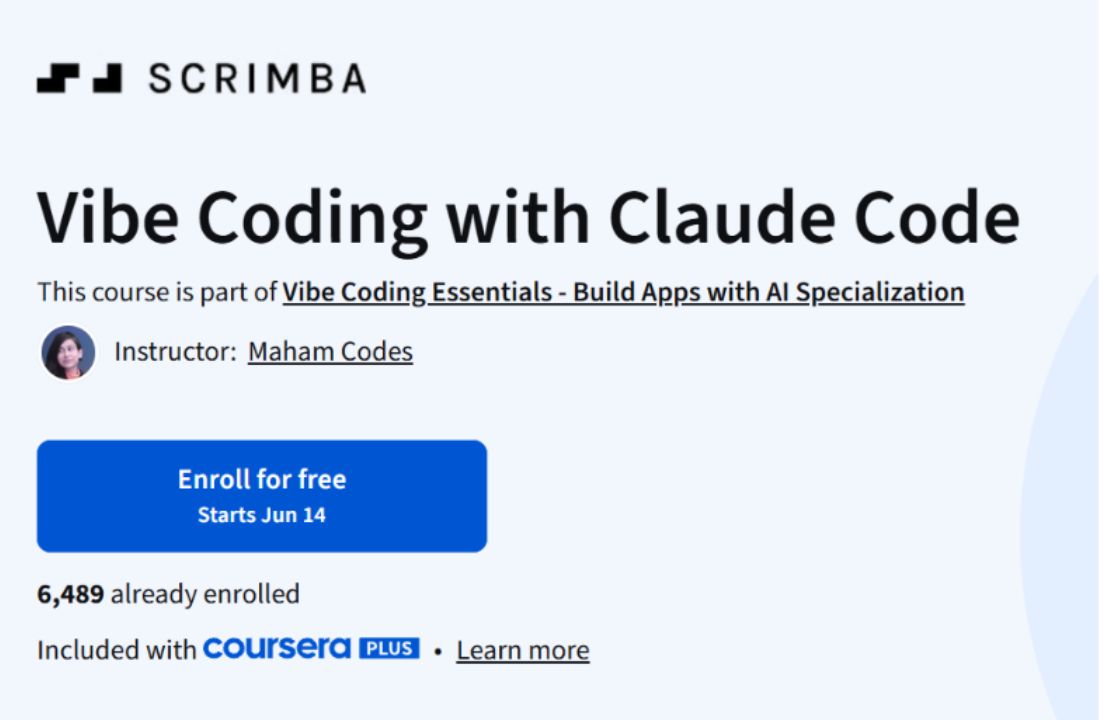
Vibe Coding with Claude Code is a short, hands-on course offered by Scrimba and hosted on Coursera. It introduces Claude Code, an AI coding assistant built to help developers write software faster and keep their projects clean and well organized.
The course is taught by instructor Maham Codes and forms part of the larger Vibe Coding Essentials specialization, which focuses on building applications with the help of AI. If you enroll in this course, you also gain access to the rest of the specialization, and you can earn a shareable certificate to add to a LinkedIn profile, resume, or performance review.
The course is built for people who already have some coding background. It carries an intermediate recommended experience level, so you will get the most out of it if you are comfortable working in a code editor and understand the basics of building an application. That said, the structure is approachable. The entire course is a single module that takes roughly one hour to finish, made up of twelve short videos totaling about forty-eight minutes, plus one graded assignment that runs around fifteen minutes. The pace is flexible, and you can work through everything on your own schedule.
The teaching approach is practical from the start. Rather than spending a long stretch on theory, the course opens with setup and the core concepts you need to begin working with Claude Code right away. Once the foundation is in place, the focus shifts toward best practices so you can use the tool effectively instead of fighting against it. This matters because an AI coding assistant is only as useful as the workflow you build around it, and the early lessons are designed to help you form good habits before you start tackling bigger tasks.
From there, the course moves into the features that give Claude Code its real power. You will learn about Claude rules and plan mode, which shape how the assistant approaches a task and lets you review its intended steps before any code gets written. You will also cover checkpoints and security checks, two areas that often get overlooked when people first start using AI tools. These lessons help you keep control over what the assistant does and catch problems early, which is important when you are letting an AI make changes across a codebase.
A good portion of the course is devoted to customization and automation. You will work through hooks, slash commands, and agents, which are the mechanisms that let you extend Claude Code and tailor it to the way you actually work. Hooks let you trigger actions at specific points in your workflow. Slash commands give you quick, repeatable shortcuts for common tasks. Agents allow Claude Code to take on more independent, multi-step work. Together, these features turn the assistant from a simple helper into something closer to a configurable coding partner. The course also shows you how to add images to your projects, a small but useful skill when you are building anything with a visual component.
The centerpiece of the hands-on work is a project where you build a fully functioning calendar app using Claude Code. This is where the separate skills come together. Instead of practicing features in isolation, you apply setup, rules, automation, and the assistant’s coding abilities to produce a real, working application. Building something end to end is the part most learners find valuable, because it shows how the pieces fit and gives you a concrete result you can point to when the course is over.
The final stretch of the course covers MCP, or Model Context Protocol. This is one of the more advanced topics, and it deals with connecting Claude Code to systems beyond your immediate project. You will learn what MCP integration does and why it matters, and then you will set up your own MCP server. This section opens the door to extending Claude Code’s reach, letting the assistant draw on external data and services rather than working in a closed environment. For anyone interested in agentic systems or building more capable AI-driven tools, this part of the course is a natural starting point.
By the time you reach the wrap up, you will have built real projects and gained a working understanding of how Claude Code operates day to day. The stated learning outcomes reflect this. You should be able to build AI-powered workflows using hooks, slash commands, and agents, develop practical applications such as the calendar app while following real-world best practices, and configure Claude Code with MCP integration to extend its functionality across systems. The skills the course associates with this work include programming principles, application development, agentic systems, automation, program development, and broader knowledge of artificial intelligence and generative AI agents.
In terms of logistics, the course is taught in English, with subtitles available in twenty-nine languages, which makes it accessible to a wide audience. It includes one assignment as its graded assessment, and the certificate you earn upon completion is shareable. The course is included with Coursera Plus, and financial aid is available for learners who qualify. At the time of writing it holds a rating of 4.2 from eighteen reviews, with most learners rating it four or five stars. One reviewer described it as a strong accelerator with detailed, hands-on instruction, which lines up with the way the course is structured.
Overall, Vibe Coding with Claude Code is a focused introduction for developers who want to add an AI coding assistant to their toolkit without committing to a long program. It trades breadth for a tight, project-driven path that gets you using the tool quickly and finishes with a working app and a grasp of more advanced features like agents and MCP. If you already write code and you are curious about how AI assistants change the day-to-day work of building software, this course gives you a practical, low-time-commitment way to find out.