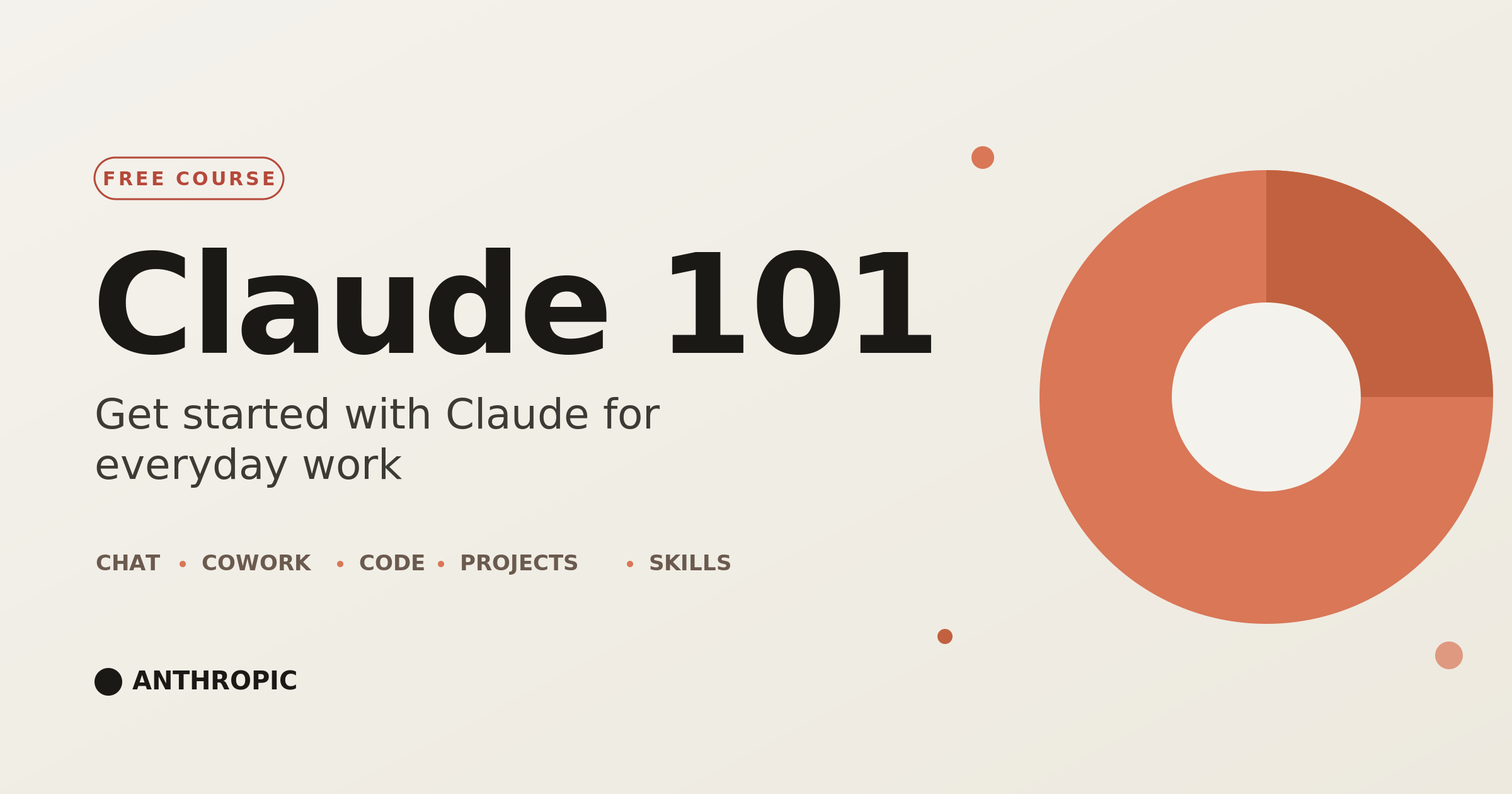
Claude 101 is the quickest way to go from curious to comfortable with Claude. Maybe you’ve never opened an AI assistant before. Maybe you’ve been poking around on your own and want a real foundation. Either way, this free beginner course walks you through what you need to make Claude a useful part of your working day. In a handful of short lessons, you’ll learn what Claude is, how to talk to it, and how to use its main features to get real work done. You won’t need to write any code.
The course starts with the basics. In “Meet Claude,” you’ll learn what Claude actually is and how it differs from a search engine or a basic chatbot. You’ll have your first conversation and see pretty quickly that working with Claude is mostly about clear communication, not memorizing commands. Then “Getting better results” gives you practical ways to phrase your requests, add context, and refine what Claude gives back so you get answers you can actually use. These are small habits, but they make the difference between people who find AI frustrating and people who reach for it every day. You’ll pick them up in minutes.
You’ll also get a feel for the different ways you can work with Claude. The lesson on the desktop app covers its three modes. Chat is for everyday questions and conversations. Cowork is for hands-on help with your files and tasks. Code is for more technical projects. Once you know which mode fits which job, you’ll have a clear picture of Claude and enough confidence to start using it on real work right away.
The middle of the course is where Claude starts to earn its keep. In “Organizing your work and knowledge,” you’ll learn to use Projects to keep related chats, documents, and context in one place, so Claude holds onto what matters for a piece of work instead of starting cold every time. You’ll try Artifacts, which let Claude produce finished, standalone outputs like documents, drafts, small apps, and visualizations that you can edit and reuse. And you’ll meet Skills, which are reusable abilities that help Claude handle specific tasks the same way each time, whether that’s formatting a report or following a workflow you rely on.
After that, the course shows you how to stretch Claude well beyond a single chat window. “Expanding Claude’s reach” covers connecting your tools, so Claude can work with the apps and services you already use instead of sitting off on its own. You’ll learn about enterprise search, which lets Claude pull from information across your organization’s connected knowledge, and Research mode, which is built for bigger questions. Those are the ones that take gathering, comparing, and pulling together information from a lot of sources into one clear answer. Put together, these features turn Claude from a smart chat tool into an assistant that fits into the way you actually work.
Then “Putting it all together” makes it concrete. You’ll watch Claude at work through role-based examples that show how people in different jobs use these features to get through everyday problems. Think marketing, operations, sales, support, and research. Instead of leaving you with a list of abstract features, this part helps you picture how Claude fits your own responsibilities, from drafting and editing to summarizing long documents, sorting through information, planning projects, or taking repetitive tasks off your plate. You’ll also see the other ways you can work with Claude, so you know where to look as your needs grow.
By the time you finish Claude 101, you’ll be able to hold a productive conversation with Claude, write clearer prompts that get better answers, organize your work with Projects, create finished pieces with Artifacts, use Skills for specific tasks, connect your own tools, and lean on Research mode for deeper questions. You’ll also understand how the pieces fit, so you can build your own ways of working with some confidence.
This course is for anyone. You don’t need a technical background, past AI experience, or an Anthropic account to start. The course is hosted separately and takes a few minutes to join. It works well for people who want to get more done in less time, teams settling on Claude, managers weighing up how AI might help their people, and anyone who has heard about AI assistants and wants a solid, no-nonsense intro from the team that builds Claude. The lessons are short, easy to follow, and tied to real tasks, so you can move at your own pace and walk away with skills you can use the same day.
Claude 101 is free, and it respects your time. Each lesson sticks to one idea, shows you how it works, and moves on. No filler, no jargon, no guessing about what you already know. Since it comes straight from Anthropic, you’re learning up-to-date ways to use Claude’s features instead of stale tips or outside guesswork.
When you’re done, you’ll get a certificate of completion you can add to your résumé, post on LinkedIn, or use to show your team or employer what you’ve learned. The bigger payoff, though, is the change in how you work. Tasks that used to eat an hour start taking minutes, and you have a steady partner for thinking, writing, researching, and organizing.
If you’ve been meaning to get serious about AI but weren’t sure where to begin, start here. Sign up for Claude 101 today, finish it in one sitting, and come away knowing how to use Claude for everyday work in a way that fits you. Once you’ve handed off a stack of tedious jobs to a capable assistant, you’ll be glad you did.