
Claude Platform 101: Anthropic’s Free Course on Building Claude Into Your Own Software
Chatting with Claude in a browser tab and building Claude into something you ship are two different skills. A chat answers your question and the thread ends. An application sends structured requests, hands Claude real tools, lets it act on real systems, and runs that loop for one user or a million.
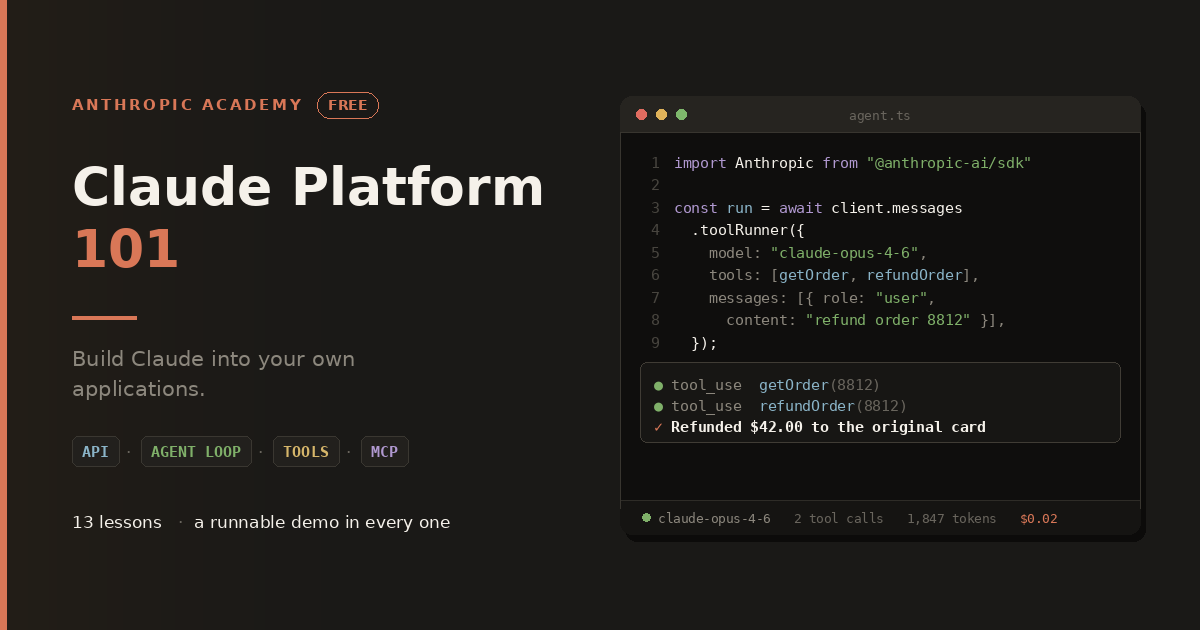
Anthropic’s Claude Platform 101 is a free, self-paced course built to get you across that gap. It runs 13 lessons across five sections, ends with a quiz, and every single lesson finishes with a runnable demo. You don’t come out with notes. You come out with working code.
Here’s what’s in it, what you need before you start, and who should take it.
What is the Claude Platform?
The Claude Platform is the developer side of Claude: the API, the SDKs, the Console, and the agent infrastructure Anthropic runs on your behalf. It’s how Claude stops being a tab you visit and becomes a feature in your product.
The course makes an argument early on that’s worth repeating. Prompting well is not the same skill as building well. To get value out of the platform you need to know what’s actually inside a request, how an agent decides what to do next, and where the costs and limits live. Plenty of developers can write a good prompt and still ship an agent that quietly burns money on turn fifteen. The course is structured to prevent that.
How the course is laid out?
Five sections, 13 lessons, then a quiz:
- What is the Claude Platform? (3 lessons) covers the fundamentals and your first request
- Teaching your Agent (3 lessons) covers the agent loop, tool use, and thinking
- Extending your Agent (4 lessons) covers built-in tools, Skills, MCP, and context management
- Managed Agents (2 lessons) covers handing the loop to Anthropic
- Building with Claude Code (1 lesson) covers using an agent to help you build
The teaching approach is worth flagging before the details. The course starts from first principles: what an API request contains, what an agent loop is, how the context window limits what Claude can see, how tools and permissions decide what it can do. That groundwork is what makes the later material feel like understanding rather than a list of calls to copy from documentation.
Section 1: Your first request, and picking the right model
Three lessons that get you from zero to a working call.
What is the Claude Platform? frames the whole thing. What you can build, what pieces exist, how they fit together.
Your first API call is exactly what it sounds like. You send a request and read the response, and more importantly you learn to read it properly: what the fields mean, what came back and why.
Choosing the right model is the lesson most self-taught developers need and skip. Opus, Sonnet, and Haiku sit at different points on the cost and latency curve, and picking one by reputation instead of testing is how projects end up slow or expensive. The course has you weigh the trade-off against your own examples rather than a benchmark table. That habit pays for the course on its own, since model choice is usually the single biggest lever on your bill.
This section also introduces the Console Workbench, plus workspaces and limits, which are the tools for keeping spend predictable. Cost control shows up early here rather than as an afterthought, which is the right call.
Section 2: How an agent actually works
Three lessons, and this is where the course earns its keep.
The agent loop explained has you build the loop by hand. You write the code that lets Claude act, observe the result, and decide what to do next. Then, once you understand what it’s doing, you collapse all of that into the SDK’s Tool Runner.
That order matters more than it might seem. Most tutorials hand you the abstraction on page one, and you end up with something that works until it doesn’t, at which point you have no idea why. Building the loop yourself first means the Tool Runner becomes a convenience you understand rather than a black box you hope holds up.
What is tool use? gives Claude reach. Tools are how a model that can only produce text ends up querying your database, hitting your internal API, or writing a file. This is the mechanism behind essentially every useful agent, and the lesson covers defining tools and handling what comes back.
What is thinking? covers extended thinking, which lets Claude reason through harder problems before answering. Knowing when to turn it on, and when it’s just added latency and cost you don’t need, is a practical judgment call the course walks through.
Section 3: Extending an agent past your own code
Four lessons on connecting your agent to the wider world.
Built-in tools covers capabilities that run on Anthropic’s infrastructure rather than yours: web search, code execution, and web fetch. You don’t build or host these. You turn them on. For a lot of common needs this removes an entire category of work, and knowing they exist prevents you from writing a sandbox you didn’t need.
Skills let you package a procedure once and reuse it across calls. If your agent performs the same multi-step task repeatedly, you define it as a Skill instead of re-explaining it in every prompt. This is how you keep behavior consistent across a codebase and a team.
MCP (Model Context Protocol) connects Claude to third-party tools without writing a schema yourself. Issue trackers, databases, internal systems. Someone else has already described the tool, and your agent can use it. This is the difference between an agent that works on text you paste in and one that works on the systems your company actually runs.
Context management is the lesson that separates demos from production. Every agent works fine for three turns. The problems start around turn ten, when the context window fills with accumulated tool output and each subsequent call gets slower and more expensive. This lesson covers the patterns that keep a long-running agent inside the window and affordable. If you’ve ever had an agent quietly degrade over a long session, this is the explanation.
Section 4: Letting Anthropic run the loop
Two lessons on Managed Agents.
What are managed agents? covers the decision itself: when to run your own loop versus when to let Anthropic run a sandboxed, managed agent for you. There’s a real trade-off between control and operational burden, and the course treats it as a judgment call rather than pushing one answer.
Building your first managed agent takes you through one end to end. You consume the event stream while Anthropic runs the loop and reports back. For teams that want agent behavior without owning the execution environment, this is the shortest path, and it’s a fairly new capability that most developers haven’t tried yet.
Section 5: Using Claude Code to build with the API
One standalone lesson on building with the API using Claude Code itself.
There’s a nice bit of logic in putting this last. Using a coding agent to write your integration is fast, but you can only review what it produces if you know what good looks like. The preceding twelve lessons are what make this one safe. The course says this outright, and it’s an honest position: the agent helps you build, but you stay responsible for the result.
If you’ve already taken Claude Code 101, this lesson connects the two courses neatly.
The quiz
A final assessment covering the material, useful as a check on what actually stuck.
What you need before you start?
Anthropic lists these as recommended rather than strict requirements:
- Comfort reading and writing code in at least one language
- Basic command-line familiarity
- An Anthropic Console account and an API key from platform.claude.com
- A small amount of prepaid credit to run the examples
No prior experience building with LLMs is assumed, and no prior agent experience either. Each lesson builds on the one before it.
One detail to plan around: the demos use the TypeScript SDK (@anthropic-ai/sdk) with Node and npm. You don’t need to be a TypeScript expert, but you should be able to follow along and run a script. Anthropic also offers a Python SDK, so if Python is your language you can translate as you go, though the course examples themselves are in TypeScript.
Worth being clear about cost: the course is free, but running the examples uses real API credit. It’s a small amount for a course of this size, and it’s prepaid so there’s no surprise bill, but budget for it so you can actually run the demos instead of watching someone else run them.
Who should take this course?
The target is developers who’ve used Claude in a chat window and now want to build it into their own applications. That covers two situations.
Adding AI features to an existing product. You have a codebase and a use case, and you need to know how to wire Claude in properly rather than bolting on a single API call and hoping.
Prototyping an agent from scratch. You want something that acts on its own, and you need the loop, the tools, and the context patterns to make that work past a demo.
There’s a specific stall the course names, and it’s a common one: you’ve sent a handful of API calls, they worked, and then you hit “how do I make this act on its own” or “how do I connect it to my real systems” and stopped. That’s the exact gap this course fills.
A few practical details
The course runs on Skilljar, Anthropic’s learning platform. Registration takes a Skilljar account, and you don’t need an Anthropic account just to reach the course material, though you will need one to get the API key for the demos. Progress and lesson completion are tracked, so you can work through it in short sessions. Skilljar is SOC 2 compliant and the data handling is documented on the course page.
Is it worth your time?
The best thing about this course is structural. It teaches the mechanism before the shortcut, every time. You build the agent loop before you use Tool Runner. You learn the context window before you learn context management. You cover model trade-offs before you’re spending real money at scale.
That order is the opposite of most tutorial content, which hands you a working snippet and leaves you stuck the moment reality differs from the example. And because every lesson ends with a runnable demo, you’re not just reading about any of it.
Thirteen lessons, free, and you finish with code that runs and a clear picture of what to build next.